
Best Free AI Tools for Everyday Life: Home, Family and Small Business
Free AI tools can save you time on everyday jobs at home, with your family and in a small business. Here are practical uses, prompts you can copy and simple safety tips.

Free AI tools can save you time on everyday jobs at home, with your family and in a small business. Here are practical uses, prompts you can copy and simple safety tips.

Google Opal shuts down on November 17, 2026, Gemini Gems are becoming Skills and Firebase Studio closes on March 22, 2027. Here are the confirmed dates, what to use instead and a checklist to move your work safely.

Scammers often target parents and grandparents with urgent calls and texts. This simple family checklist covers the five warning signs, three safety rules, a family code word and what to do if they already clicked or paid.

A plain-language guide to using the ChatGPT app on iPhone or Android: how to install the real app, type or talk to it, good first questions to try and simple safety tips for beginners and seniors.

You do not need to code to be good with AI. This beginner roadmap covers the five AI skills worth learning in 2026: clear prompts, checking answers, privacy habits, real tasks and simple workflows.
Firebase Studio shuts down on March 22, 2027. Here are the best free AI app builders for beginners, what their free plans usually limit and how to pick one without writing code.

macOS 27.3 lets Quick Look show Markdown files with proper formatting instead of raw symbols. Here is how to preview .md files in Finder and who benefits most.
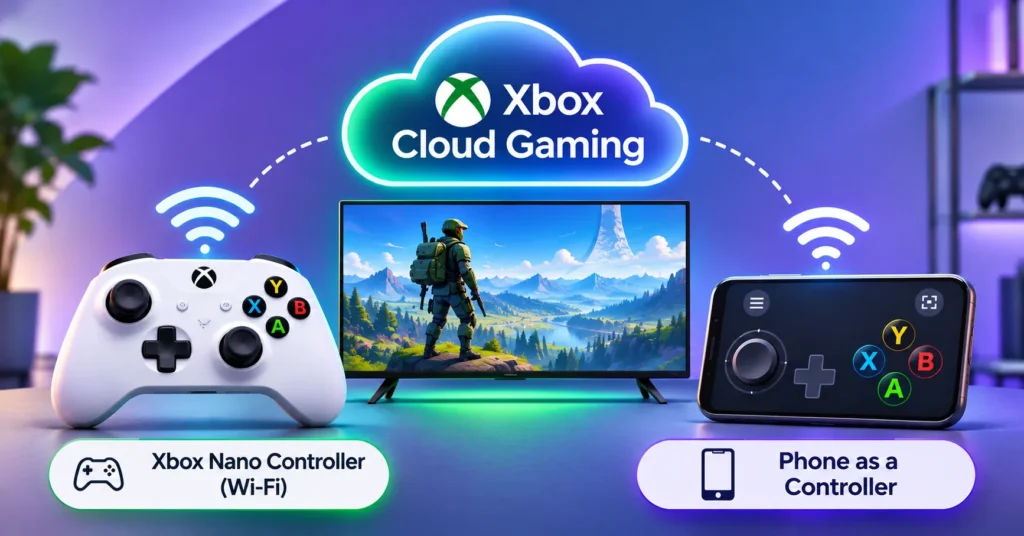
Microsoft is testing two new ways to play Xbox Cloud Gaming: the $50 Xbox Nano Controller that connects straight to Wi-Fi, and using your phone as a controller on smart TVs. Here is how both work.

Erfahren Sie, wie Sie den Batteriezustand des Laptops in Windows 11 mit dem integrierten Akku-Bericht überprüfen. Vergleichen Sie Design und volle Ladekapazität, lesen Sie die Nutzungshistorie und verstehen Sie, wann Sie Service suchen müssen.
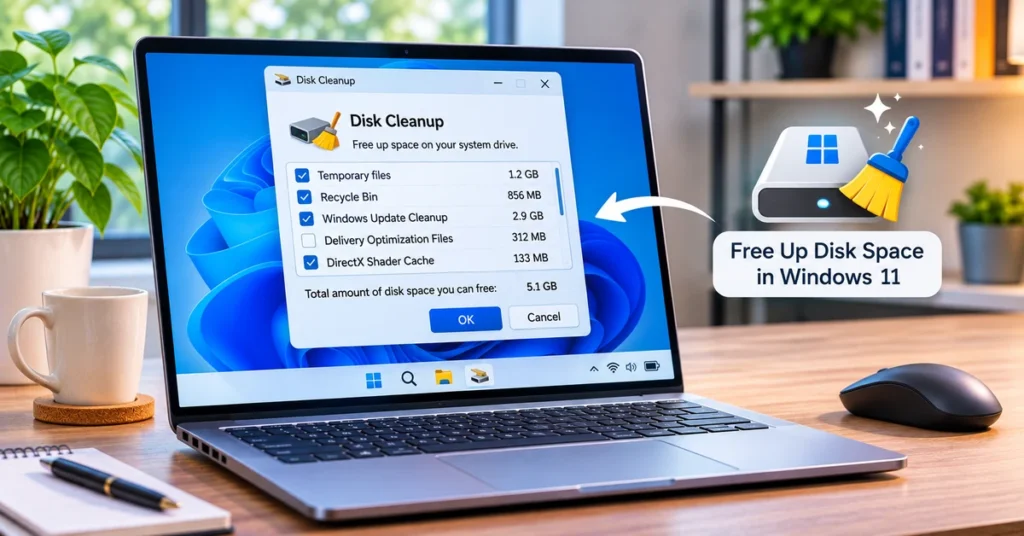
Erfahren Sie, wie Sie Speicherplatz in Windows 11 mit Storage Sense, Bereinigungsempfehlungen, Datenträgerbereinigung, App-Entfernung und sicherer Dateiverwaltung freigeben.
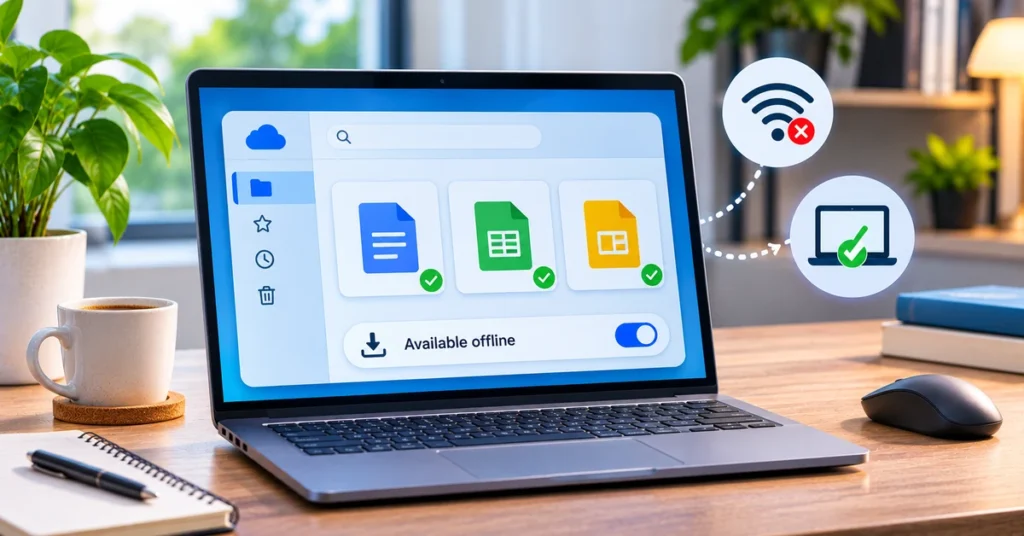
Erfahren Sie, wie Sie den Offline-Zugriff von Google Drive aktivieren, Docs, Sheets und Folien ohne Internet verfügbar machen, Drive for Desktop verwenden und Synchronisierungsprobleme beheben.
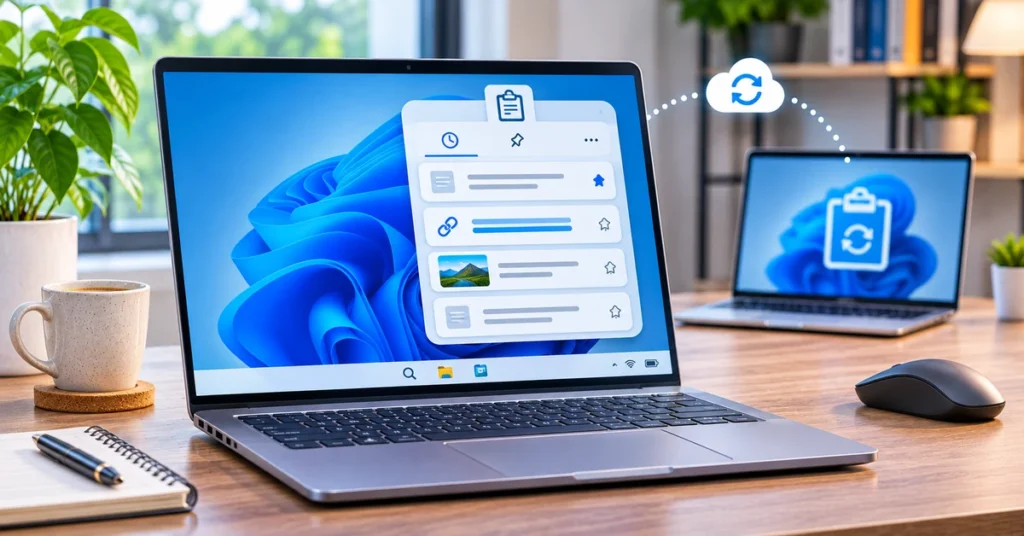
Erfahren Sie, wie Sie Windows 11-Zwischenablage mit Windows + V aktivieren, kopierte Elemente anheften, Text über Geräte hinweg synchronisieren, Einträge löschen und häufige Probleme beheben.